






Distance should never stop you from hearing a loved one’s voice. You might need to check on family living in Jakarta. Perhaps you have urgent business matters in Surabaya. Maybe you are just finalizing a holiday booking in Bali. Clear communication bridges these geographical gaps instantly. However, international dialing rules often confuse first-time callers. You must understand the specific codes to connect successfully.
Getting the format right saves you frustration. You also avoid wasting money on failed connection attempts. This guide simplifies the entire process for you. We will break down every dialing step. You will learn about time zones and cost-saving tricks. For a quick look at global dialing rules, you can check this international calling code list. Let’s make your next call seamless.
Why You Need to Call Indonesia
The bond between Germany and Indonesia is strong. Many Germans love visiting the tropical archipelago. Tourism drives a high volume of calls. Travelers often need to confirm hotel reservations directly. They also call local tour guides before arriving. This ensures a stress-free travel experience.
Business relationships are also expanding rapidly. Indonesia is a major economic hub in Southeast Asia. German companies frequently export technology to the region. Sales teams need to call clients to close deals. HR managers often interview remote candidates via phone. Supply chain experts track shipments through direct calls.
Personal connections remain the most vital reason. Many Indonesian students pursue degrees in German universities. Expats also live and work across German cities. Calling home is a daily necessity for them. Hearing a familiar voice provides comfort. Therefore, finding a reliable and cheap way to call is essential.
Key Takeaways
- Tourism: Direct calls help verify travel itineraries.
- Business: Stronger trade requires constant communication.
- Family: Expats need affordable options to stay connected.
Understanding the International Dialing Format
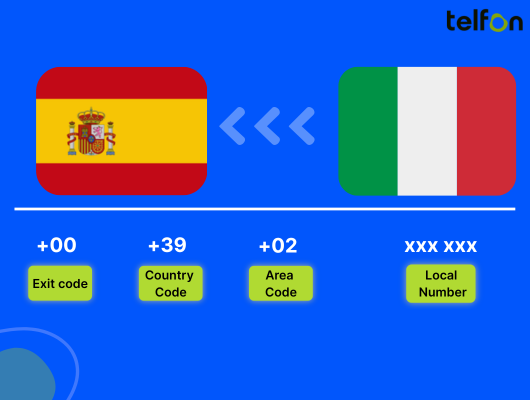
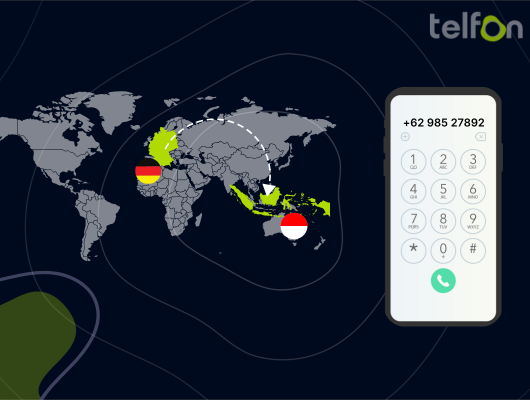
International calls follow a specific logic. You cannot simply dial a local number. The phone network needs a precise roadmap. This map tells the system where to send your voice. It starts by leaving the German network. Then it targets the Indonesian network. Finally, it locates the specific city and person.
You must memorize four distinct parts.
- Germany Exit Code: This lets you dial out of Germany.
- Indonesia Country Code: This identifies the destination nation.
- Area Code: This targets a specific city or region.
- Local Number: This connects to the specific phone.
Getting this sequence right is mandatory. A single wrong digit will block the call. It might even connect you to the wrong country.
The Essential Calling Codes
| Code Name | Value | Purpose |
|---|---|---|
| Germany Exit Code | 00 | Dial this first on landlines. |
| Mobile Exit Code | + | Press and hold 0 on mobiles. |
| Indonesia Code | 62 | Identifies the destination country. |
| Jakarta Area Code | 21 | Example for the capital city. |
How to Call Indonesia from a Landline
Landlines are still common in corporate offices. Many homes also retain a fixed line. The process on a desk phone is strictly numerical. You cannot use symbols like the plus sign. You must follow the digit sequence exactly.
Follow these specific steps for landlines:
- Dial 00: This is the exit code for Germany. It opens the international line.
- Dial 62: This directs the call to Indonesia.
- Dial the Area Code: Enter the city code (e.g., 21 for Jakarta).
- Dial the Phone Number: Enter the subscriber’s local number.
Example Scenario:
You are calling a business partner in Jakarta. Their local number is 555-1234.
You will dial: 00 – 62 – 21 – 5551234.
How to Call Indonesia from a Mobile Phone
Mobile phones offer much more flexibility. Most modern smartphones recognize international formats automatically. You do not need to remember the “00” exit code. The plus (+) symbol handles this function for you. This makes saving contacts much easier.
Follow these simple mobile steps:
- Enter +: Press and hold the ‘0’ key until + appears.
- Enter 62: This is the Indonesia country code.
- Enter Area Code/Mobile Prefix: Dial the city or provider code.
- Enter Number: Finish with the specific phone number.
Example Scenario:
You are calling a mobile number in Bali. The number starts with 812.
You will dial: +62 – 812 – XXXXXXXX.
Navigating Indonesia’s Number Structure
Indonesian phone numbers can look inconsistent. They vary in length and format. Landlines usually have a geographic area code. Mobile numbers use a provider prefix instead. Understanding this difference helps you identify the number type.
Landline Structure
Fixed lines always use geographic codes. These codes are usually 2 to 3 digits long.
Format: +62 [Area Code] [Local Number]
Crucial Rule: Drop the leading ‘0’ from the area code. If Jakarta is 021, you dial 62-21.
Mobile Number Structure
Mobile numbers are not tied to specific cities. They are tied to networks like Telkomsel or XL.
Format: +62 [Mobile Prefix] [Subscriber Number]
Length: These are usually 10 to 12 digits total.
Crucial Rule: Drop the leading ‘0’ from the mobile number. If the number is 0812…, you dial 62-812…
Select Number
Comprehensive List of Area Codes
| City | Region | Area Code |
|---|---|---|
| Jakarta | Java | 21 |
| Bandung | Java | 22 |
| Surabaya | Java | 31 |
| Denpasar | Bali | 361 |
| Medan | Sumatra | 61 |
| Yogyakarta | Java | 274 |
| Makassar | Sulawesi | 411 |
| Semarang | Java | 24 |
| Batam | Riau Islands | 778 |
Expert Tip: Always search for the specific town if it is not listed. Smaller towns often have 4-digit area codes.
Time Zone Differences Explained
Timing your call correctly is critical. Indonesia is ahead of Germany. Calling at the wrong time might wake someone up. It could also interrupt their dinner. Indonesia spans three different time zones. Germany has only one zone.
The Three Indonesian Zones
- WIB (Western): Jakarta, Sumatra, West Java. (GMT+7)
- WITA (Central):: Bali, Lombok, Sulawesi. (GMT+8)
- WIT (Eastern): Papua, Maluku. (GMT+9)
Calculating the Gap
Germany uses CET (GMT+1) or CEST (GMT+2).
- Winter (CET): Jakarta is 6 hours ahead. Bali is 7 hours ahead.
- Summer (CEST): Jakarta is 5 hours ahead. Bali is 6 hours ahead.
Practical Example:
It is 10:00 AM in Berlin during summer.
It is 3:00 PM in Jakarta.
It is 4:00 PM in Bali.
This is a perfect time to call. It falls within business hours for both parties.
The Cost of Traditional Calling
Calling internationally through traditional carriers is expensive. You typically pay a high rate per minute. Rates often differ for landlines versus mobiles. A simple ten-minute chat can cost several Euros.
Many people forget to check their plan details. They receive a shock when the monthly bill arrives. Some providers offer international add-on packages. These can lower the rate slightly. However, they often require signing a long-term contract.
Roaming charges are another financial danger. Using your German SIM card while in Indonesia is costly. Businesses face even higher accumulated costs. Sales teams make dozens of calls daily. These expenses eat directly into profit margins. Therefore, finding a modern alternative is the smart choice.
Telfon: The Smart Way to Call Indonesia
You need a reliable and affordable solution. Telfon is a leading virtual phone calling app. It uses the internet to connect your calls. This bypasses the expensive traditional telephone networks. It is perfect for both individuals and businesses.
Telfon is a cloud telephony solution. It works on your existing devices comfortably. You do not need to buy new hardware. You simply download the app to start. It is available on Google Play and the App Store. You can also use it via the Chrome Web Store.
Why Choose Telfon?
- Cost Savings: You save up to 50% compared to traditional providers.
- Global Reach: Call over 180+ countries, including Indonesia.
- Pay-as-you-go: No hidden fees. You pay only for what you use.
- User Base: Over 30,000 users trust Telfon globally.
- Company Trust: 600+ companies rely on this system daily.
Key Features for Personal Use
Telfon is not just for making voice calls. It offers a suite of communication tools. These features enhance your daily interactions.
Virtual Numbers
You can buy a virtual number for Indonesia. This gives you a local presence there. Your family in Jakarta can call a local number. It rings on your phone in Germany. They pay local rates. You pay nothing to receive it.
Messaging
Send and receive SMS easily. You can text friends directly from the app interface. It is often faster than email.
Call Recording
Record your conversations with a single click. This is great for remembering important details. You can replay family news later.
WhatsApp Integration
Connect multiple WhatsApp accounts to the system. Manage your chats in one place. This is vital since Indonesians love using WhatsApp.
Powerful Features for Businesses
Businesses need more than just voice connectivity. Telfon provides a robust business phone system. It supports real estate, hiring institutes, and sales teams.
Analytics and Management
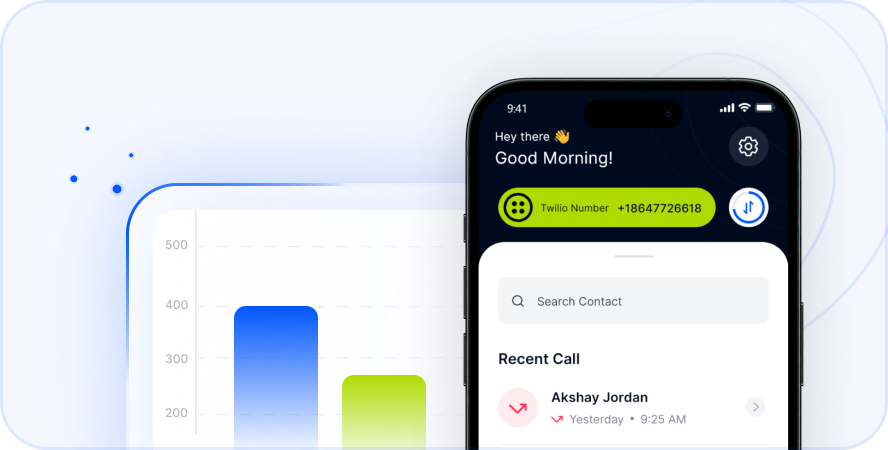
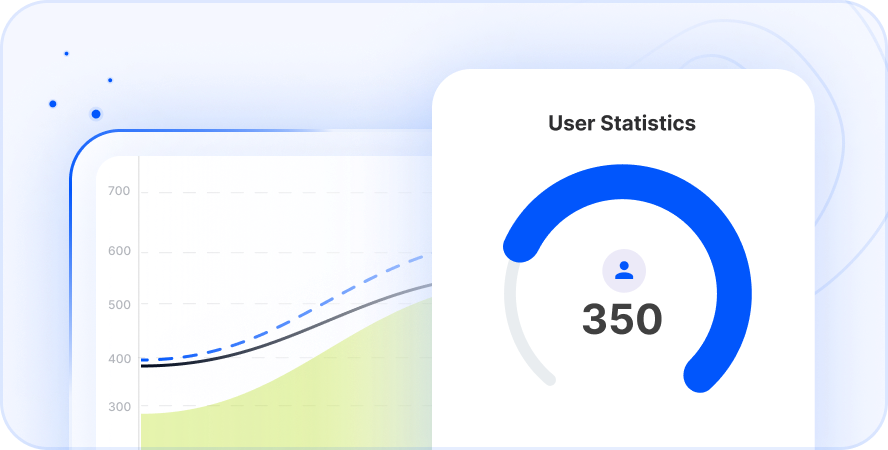
- User Analytics: View cards, graphs, and charts of team performance.
- Call History: Track calls user-wise to monitor activity.
- Budget Assignment: Control spending by assigning budgets to specific users.
Advanced Tools
- Bulk SMS: Send broadcast messages to hundreds of clients instantly.
- Voicemail to Text: Read your voicemails when you cannot listen.
- Call Forwarding: Never miss a lead. Forward calls to any device.
- Dashboard Filters: Organize your data effectively for better insights.
Integration and Security
- Twilio Token Management: Integrate seamlessly with your existing systems.
- Number Blocking: Stop spam calls immediately.
- Custom Messaging: Brand your SMS communications professionally.
How to Get Started with Telfon
Starting with Telfon is incredibly easy. You do not need technical skills. The interface is user-friendly and intuitive.
- Sign Up: Create an account on the Telfon website or app.
- Choose a Plan: Select a flexible pay-as-you-go option.
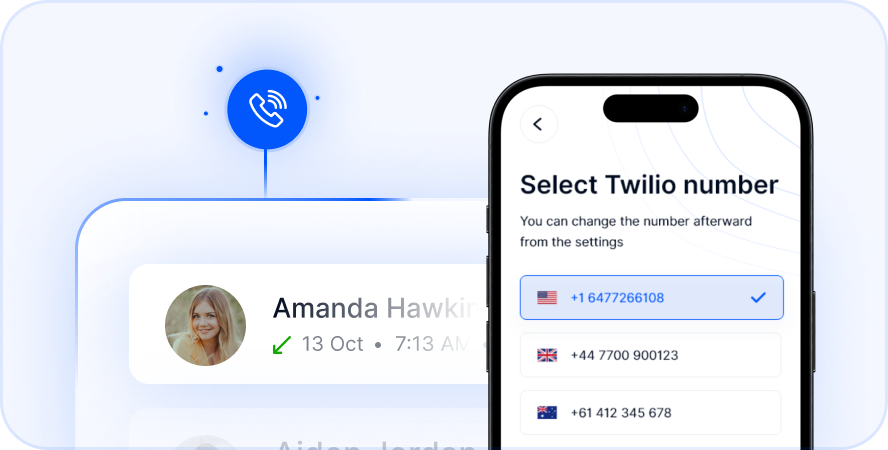
- Get a Number: Select Indonesia from the list. Purchase your virtual number.
- Add Credits: Top up your wallet securely.
- Start Calling: Dial numbers directly from the dashboard.
This process takes only a few minutes. You avoid signing long contracts. You also avoid waiting for physical SIM cards.
Cultural Tips for Calling Indonesia
Successful communication requires cultural awareness. Indonesians are generally polite and respectful. Following a few social rules helps build rapport.
Formal Greetings
Use titles when addressing people senior to you. “Pak” is for men (Mr.). “Ibu” is for women (Mrs./Ms.). Use this before their first name. For example, say “Selamat pagi, Pak Budi.” This shows deep respect.
Small Talk is Key
Do not rush into business topics immediately. Ask about their health first. Ask about their family or the weather. This “basa-basi” (small talk) is crucial in Indonesia. It builds trust before negotiations begin.
Be Patient
Connectivity can vary in remote island areas. Audio might lag slightly during the call. Speak clearly and slowly. Allow pauses for the other person to answer.
Respect Prayer Times
Indonesia has the largest Muslim population globally. Be mindful of prayer times. Avoid calling between 11:30 AM and 1:00 PM Jakarta time on Fridays. This is the main weekly prayer time.
Troubleshooting Common Issues
Sometimes calls do not go through instantly. Technology can have occasional hiccups. Here is how to fix common problems.
Call Does Not Connect
Check the number format again. Did you use the +62 code? Did you drop the leading ‘0’? Also, check your credit balance.
Poor Audio Quality
This is usually an internet issue. Switch from mobile data to Wi-Fi. Close other apps that are streaming video. Move closer to your router for a better signal.
Number Busy
The person might be on another call. Check the time zone again. Are they sleeping? Try sending a WhatsApp message via Telfon first.
Stop Overpaying for Calls to Indonesia
Summary
Calling Indonesia from Germany is simple with the right knowledge. You now know the correct dialing codes. You understand the time zone differences. You also know the cost benefits of using VoIP.
Don’t let distance become a barrier to connection. Use modern tools to stay in touch easily. Whether for family or business, clear communication is key. Telfon offers the features and reliability you need today. It brings Germany and Indonesia closer together.
Frequently Asked Questions (FAQs)
1. Can I use Telfon for business calls to Indonesia?
Yes, absolutely. Telfon is designed specifically for businesses. It offers analytics, call recording, and CRM integrations. It is perfect for sales and support teams.
2. How much does a call to Indonesia cost?
Rates vary by provider. Traditional carriers are usually expensive. Telfon offers very competitive rates. You can save up to 50% compared to standard providers.
3. Do I need a physical SIM card for a virtual number?
No, you do not. A virtual number works entirely over the internet. You use it through the Telfon app on your phone or laptop.
4. Can I keep my German number active while using Telfon?
Yes. Telfon is an app. It runs separately from your main SIM card. You can receive calls on both numbers simultaneously.
5. Is WhatsApp popular in Indonesia?
Yes, it is the most popular app there. Telfon allows you to manage multiple WhatsApp accounts. This helps you reach clients where they are most active.
6. What is the difference between WIB and WITA?
WIB is Western Indonesia Time (Jakarta). WITA is Central Indonesia Time (Bali). WITA is one hour ahead of WIB.
7. Can I send bulk SMS to Indonesian clients?
Yes, Telfon supports bulk SMS features. You can send broadcast messages for marketing campaigns. This is a powerful tool for customer engagement.