






Connecting with loved ones, partners, or colleagues across continents is a modern necessity. However, making international calls can often seem challenging. If you are in the UK and need to reach Indonesia, understanding the right dialing codes, time zones, and costs is essential. This guide offers a complete pathway. It will ensure your international calls UK to Indonesia are clear and successful.
Indonesia is a vibrant island nation in Southeast Asia. It boasts a rich culture and a growing economy. Many UK residents have personal or business links there. Whether you contact family, manage a business, or plan a trip, knowing how to call Indonesia from the UK properly is vital. We will explore traditional methods and modern solutions. These include Telfon’s effective virtual number for Indonesia. You should always check the current time difference before dialing. A reliable online time zone converter can help. You can use a tool like the World Time Buddy for accurate comparisons.
Mastering International Dialing Fundamentals
Making an international call requires a specific number sequence. You must first signal that you are calling outside your country. Next, you indicate the destination country. Finally, you provide the local phone number. This process remains consistent. It applies to both landline and mobile phones.
The Standard Dialing Format
Every international call generally follows a clear structure:
- Exit Code: This code tells your phone system that you are dialing abroad.
- Country Code: This unique code identifies the specific country you want to reach.
- Area Code: This code directs your call to a particular region or city.
- Local Phone Number: This is the specific number of your contact.
We will break down these steps. This helps you understand the UK to Indonesia calling code journey.
Calling Indonesia from UK: A Step-by-Step Guide
Calling Indonesia from the UK demands accuracy. You must enter the correct codes. The order is also very important. Let us examine how to do this. We cover both landline and mobile phone methods.
Calling from a Landline
Using a traditional landline phone requires careful attention. Follow these steps precisely:
- Dial the UK Exit Code: Begin by dialing
00. This is the standard international exit code from the UK.
- Dial the Indonesian Country Code: Enter
62next. This is Indonesia’s unique country code.
- Dial the Area Code: Input the local area code. This directs your call within Indonesia. Do not include a leading zero if the area code has one.
- Dial the Local Phone Number: Enter your recipient’s specific local phone number last.
Landline Call Example:
To call a landline in Jakarta, Indonesia, with Area Code 21, you would dial:
00 - 62 - 21 - [Local Phone Number]
Calling from a Mobile Phone
Calling Indonesia from a mobile phone is quite similar. It offers an added convenience for the exit code.
- Use Plus Sign (+) or UK Exit Code: You can dial
+instead of00on most mobile phones. The+symbol automatically functions as the international exit code. Alternatively, using00also works perfectly.
- Dial the Indonesian Country Code: Enter
62.
- Dial the Area Code: Input the specific area code. Again, omit any leading zero.
- Dial the Local Phone Number: Enter your contact’s local number.
Mobile Call Example:
To call a mobile number in Indonesia, or a landline in Bali with Area Code 361, you would dial:
+62 - 361 - [Local Phone Number]
Or:
00 - 62 - 361 - [Local Phone Number]
Using the + symbol is often better. It makes the number universally dialable. This is true regardless of your starting country.
Demystifying the UK to Indonesia Calling Code
The country code is central to your international call. For Indonesia, this code is 62. You must always include it. It comes after your international exit code (00 or +). This code signals to the network that your call is going to Indonesia. Without it, your call will not connect. It might even go to a different country.
- Exit Code (from UK):
00or+
- Indonesia Country Code:
62
These two elements are vital. They ensure you successfully initiate international calls UK to Indonesia.
What is the full dialing code for Indonesia from the UK?
The dialing code for Indonesia from the UK combines 0062 (for landlines) or +62 (for mobiles). You then add the area code. Finally, you dial the local number. The 00 or + is the UK international access code. 62 is Indonesia’s specific country code.
Essential Indonesian Area Codes
Indonesia is a vast country. It spans many islands and cities. Each major city or region has its own specific area code. You must know this code. It ensures your call reaches the correct destination. Remember to exclude any leading zeros. These might appear in an Indonesian local area code listing. For example, (021) becomes 21.
Here are some common Indonesian area codes for major cities:
| City/Region | Area Code |
|---|---|
| Jakarta | 21 |
| Surabaya | 31 |
| Bandung | 22 |
| Medan | 61 |
| Semarang | 24 |
| Yogyakarta | 274 |
| Bali (Denpasar) | 361 |
| Makassar | 411 |
Always confirm the correct area code. Ask your contact if you are unsure. An incorrect area code will stop your call from connecting.
How do I find an area code in Indonesia?
You can find an area code by asking your Indonesian contact. Alternatively, search online for “Indonesia area codes.” Or search “phone codes for [city name] Indonesia.” Many online directories provide this information reliably.
Indonesian Phone Number Format
Indonesian phone numbers, including the country code, range from 10 to 12 digits. This includes the country code, area code, and local subscriber number. Mobile numbers in Indonesia typically start with 8.
Let us look at the complete format:
[International Exit Code] - [Indonesia Country Code] - [Area Code] - [Local Number]
Example of a full number to call from the UK:
- To a Jakarta Landline:
00 - 62 - 21 - XXXX XXXX(Local number is 8 digits)
- To an Indonesian Mobile:
+62 - 8XX - XXXX XXXX(Mobile numbers usually start with8and are 10-12 digits in total after the country code).
Remember to drop any leading zero from the area code. If an Indonesian source lists an area code as (021), you dial 21.
Select Number
Optimal Calling Times: UK to Indonesia Time Difference
Time differences are a critical factor. They impact international calls UK to Indonesia. Indonesia spans three main time zones. Careful planning is essential. It helps avoid calling at inconvenient hours.
Indonesia’s Time Zones (relative to GMT/UTC):
- Western Indonesia Time (WIB): GMT+7 (Covers Sumatra, Java, West & Central Kalimantan)
- Central Indonesia Time (WITA): GMT+8 (Covers Bali, Nusa Tenggara, South & East Kalimantan, Sulawesi)
- Eastern Indonesia Time (WIT): GMT+9 (Covers Maluku & Papua)
The UK observes Greenwich Mean Time (GMT) in winter. It switches to British Summer Time (BST) in summer.
Time Differences:
- UK Winter (GMT):
WIB: 6 hours ahead of UK
WITA: 7 hours ahead of UK
WIT: 8 hours ahead of UK
- UK Summer (BST):
WIB: 5 hours ahead of UK
WITA: 6 hours ahead of UK
WIT: 7 hours ahead of UK
Optimal Calling Windows:
To reach someone during Indonesian business hours (9 AM – 5 PM) or reasonable evening hours (6 PM – 9 PM), consider these times from the UK:
- For WIB (e.g., Jakarta):
Calling at 9 AM UK time (GMT) means it is 3 PM in Jakarta.
Calling at 2 PM UK time (GMT) means it is 8 PM in Jakarta.
- For WITA (e.g., Bali):
Calling at 9 AM UK time (GMT) means it is 4 PM in Bali.
Calling at 1 PM UK time (GMT) means it is 8 PM in Bali.
Always confirm the current time zone. Check your recipient’s specific location in Indonesia. This ensures you call at a convenient time. Use an online time zone converter if you are unsure.
Cost of Calling Indonesia from UK
The cost of making international calls UK to Indonesia varies greatly. Traditional landline and mobile providers often charge high per-minute rates. These costs can quickly accumulate. This is true for longer conversations or frequent calls.
Factors Influencing Call Cost:
- Your Network Provider: Different UK providers have varying international call tariffs.
- Type of Phone: Calls from a landline may differ in cost from mobile calls.
- Call Duration: The longer your conversation, the higher your bill will be.
- Bundles or Add-ons: Some providers offer international call bundles. These can reduce costs considerably.
Without a specific international calling plan, a standard call from the UK to Indonesia can cost from 50p to over £2 per minute. These traditional methods quickly become expensive. This is especially true for businesses or individuals making regular contact. Modern solutions offer a much better alternative.
Why Call Indonesia? Connecting Across Continents
People call Indonesia for many reasons. These blend personal connections with professional needs. This vibrant nation attracts attention globally.
Common Reasons for Calling:
- Family and Friends: Many Indonesians live and work in the UK. Their families often remain in Indonesia. Regular calls strengthen these important personal bonds. You can share daily life and celebrate milestones.
- Business Opportunities: Indonesia possesses a rapidly growing economy. UK businesses may call to:
Negotiate deals with local partners.
Manage supply chains and logistics.
Communicate with remote teams or employees.
Support customers in the Indonesian market.
Explore new investment avenues.
- Travel and Tourism: Holidaymakers planning trips to Bali, Lombok, or other Indonesian destinations often contact hotels. They also reach out to tour operators or local contacts. This ensures smooth arrangements for their adventures.
- Education and Research: Students and academics in the UK might collaborate. They work with Indonesian universities or research institutions. Frequent communication is key for project coordination. It also supports knowledge exchange.
- Expatriates: Many UK citizens live in Indonesia. This might be for work or retirement. They often call home to the UK. Or they receive calls from UK-based contacts.
Effective communication bridges geographical gaps. It helps individuals maintain relationships. It also enables businesses to thrive in a globalized world.
How Telfon Simplifies Calling Indonesia
Traditional international calling can be both expensive and complex. This is particularly true for frequent callers or businesses. Telfon offers a modern, efficient, and cost-effective solution. It simplifies your international calls UK to Indonesia. We eliminate the complexities of traditional dialing.
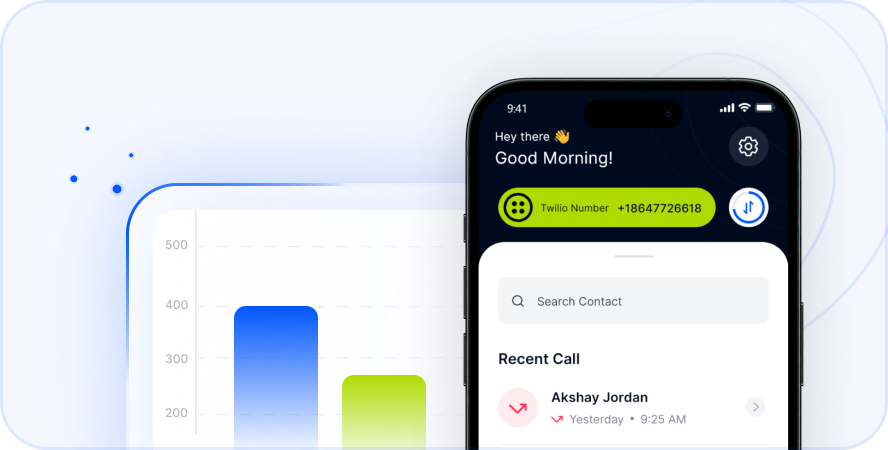
Telfon is a leading virtual phone calling app. It provides a robust cloud telephony solution. It is perfect for individuals and businesses. They need to communicate globally.
Simplified Calling with Virtual Numbers for Indonesia
With Telfon, you can buy a virtual number for Indonesia. This number functions like a local Indonesian phone number. This is true even if you are physically in the UK. When you call your Indonesian contacts, they see a local Indonesian number. This appears on their caller ID. This increases trust. It makes your calls more likely to be answered.
Telfon Benefits for UK to Indonesia Calling:
- Local Presence: A virtual number establishes a local presence in Indonesia. This is incredibly beneficial for businesses attracting Indonesian clients.
- Cost Savings: Telfon offers highly competitive rates for international calls. You can save significantly. This is compared to standard mobile or landline charges. Many users save up to 50% on calling costs.
- Ease of Use: Forget complicated dialing codes. Telfon’s app makes calling simple. It feels just like dialing a local number.
- Enhanced Features: Telfon provides features vital for modern communication. These go beyond basic calling.
Key Telfon Features for UK-ID Calls
Telfon is built with features to enhance your calling experience. It is ideal for individuals and businesses managing UK-ID calls.
Core Features for All Users:
- International Calls: Connect globally with ease. Telfon offers calling services to over 180+ countries.
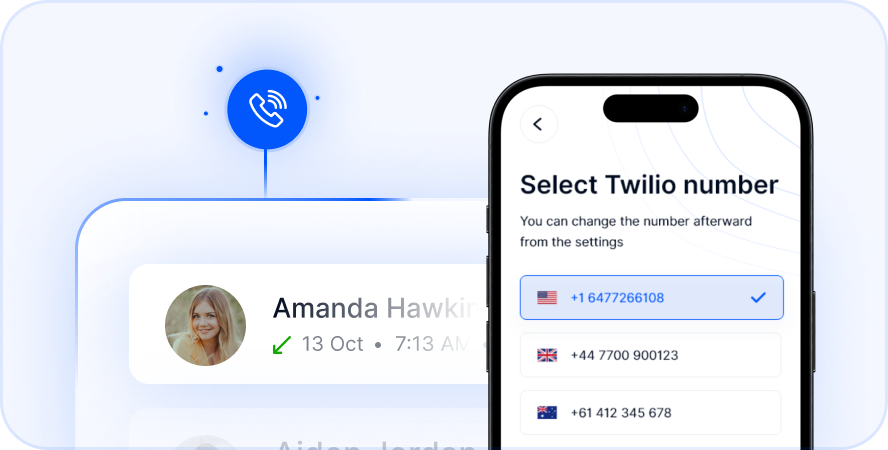
- Virtual Number Purchase: Get local numbers in various countries, including Indonesia.
- Call Recordings: Keep a record of important conversations. Use them for quality control or reference.
- Send & Receive SMS: Communicate via text messages. All your communication needs are met.
- WhatsApp Integration: Link multiple WhatsApp accounts. This allows seamless communication through a popular platform.
- Multi-Country Numbers: Manage different virtual numbers simultaneously from one account. This is perfect for international operations.
- Voicemail & Voicemail to Text: Never miss a message. Voicemail can also be transcribed for convenience.
- Call Forwarding: Redirect calls to any other number. This ensures you are always reachable.
- Bulk SMS & Broadcast Messages: Ideal for marketing campaigns or urgent announcements to a large audience.
- 20+ Language Support: Use the app in your preferred language.
Advanced Features for Business Plans:
Telfon provides advanced tools for companies. Over 600 companies globally use Telfon.
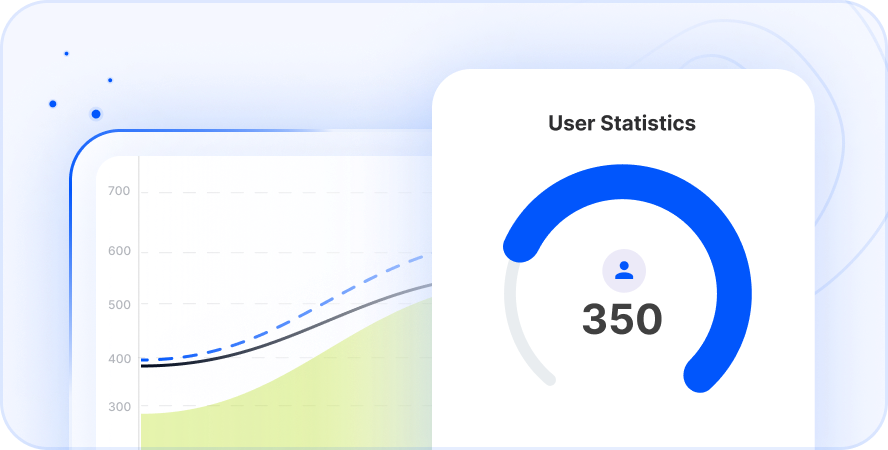
- User Analytics: Gain insights into call patterns and performance. Use cards, graphs, and charts.
- Dashboard Filters: Easily filter and analyze your communication data.
- User Management: Manage your team’s access and phone numbers with ease.
- Budget Assignment: Allocate call budgets to individual users or departments.
- Call and SMS History: Detailed logs provide complete oversight of communications.
- Number Blocking: Block unwanted or spam calls.
- WhatsApp Number Management: Centralize your business WhatsApp communications.
Telfon stands out as a reliable and feature-rich solution. It simplifies how to call Indonesia from UK. It also offers significant cost benefits. Over 30K users globally trust Telfon. The pay-as-you-go pricing plans offer great savings. Telfon is available on Google Play, the App Store, and the Chrome Web Store.
Key Takeaways
Calling Indonesia from the UK is straightforward. Understanding the correct dialing sequence is crucial. Remember to use the UK exit code (00 or +). Follow this with Indonesia’s country code (62). Then add the area code, if applicable. Finally, dial the local number. Be mindful of the significant time difference. This ensures your call is well-timed.
Traditional calls can be costly. However, modern solutions offer a better path. Services like Telfon provide an efficient and affordable way to stay connected. Telfon makes international calls UK to Indonesia simpler. It is also more accessible for everyone. It offers features like a virtual number for Indonesia and competitive rates.
Embrace these tips and tools. Bridge the distance effortlessly. This applies whether for personal chats, business dealings, or travel plans. Connecting with Indonesia has never been easier or more efficient.
Call Indonesia easily and affordably—get started with Telfon today.
FAQs: Your Questions About Calling Indonesia from UK Answered
Here are some common questions. People ask them about making international calls to Indonesia from the UK.
1. What is the dialing code for Indonesia from the UK?
The full dialing sequence includes the UK exit code (00 or +). Then comes Indonesia’s country code (62). Next, add the area code. Finally, dial the local phone number.
2. Can I use WhatsApp to call Indonesia from the UK?
Yes, you can. If both parties have WhatsApp installed and an internet connection, you can make free calls. These calls use Wi-Fi or data. It is a popular and cost-effective method for personal calls.
3. What is the time difference between the UK and Indonesia?
Indonesia has three main time zones: Western (GMT+7), Central (GMT+8), and Eastern (GMT+9). The UK uses GMT or BST (GMT+1). Indonesia is typically 5 to 8 hours ahead of the UK. This depends on the region and the time of year.
4. Are international calls from the UK to Indonesian mobile numbers different from landlines?
The dialing sequence is generally the same. However, mobile numbers often integrate the area code. Or, there might not be a separate area code listed. Indonesian mobile numbers typically start with 8 after the country code.
5. How can I reduce the cost of calling Indonesia from the UK?
You can reduce costs by using VoIP services like Telfon. They offer competitive rates and virtual numbers. Other options include international calling plans from your provider. Messaging apps with calling features, like WhatsApp or Skype, over Wi-Fi are also good choices.
6. Do I need an area code if I am calling an Indonesian mobile number?
Generally, you do not need a separate area code for Indonesian mobile numbers. After dialing +62, you directly dial the mobile subscriber number. This number usually starts with 8.
7. What is a virtual number and how does it help?
A virtual number is a phone number. It is not tied to a physical phone line in a specific location. With Telfon, you can get a virtual number for Indonesia. This lets you make and receive calls. It appears as if you have a local presence in Indonesia. This often comes at lower costs and with advanced features.
8. Is Telfon reliable for international calls UK to Indonesia?
Yes, Telfon uses cloud telephony solutions. These provide clear and reliable connections. It offers features like call recording and WhatsApp integration. This makes it a robust choice for all your international communication needs.
9. What if my call does not connect?
Check all the numbers you have dialed. This includes the exit code, country code, area code, and local number. Ensure you have sufficient credit or an active plan. Sometimes, a temporary network issue might cause problems. Try again after a few minutes.
10. Can I send SMS messages to Indonesia from the UK?
Yes, most mobile providers allow international SMS. With Telfon, you can also send and receive SMS messages directly through the app. This is often at more economical rates.