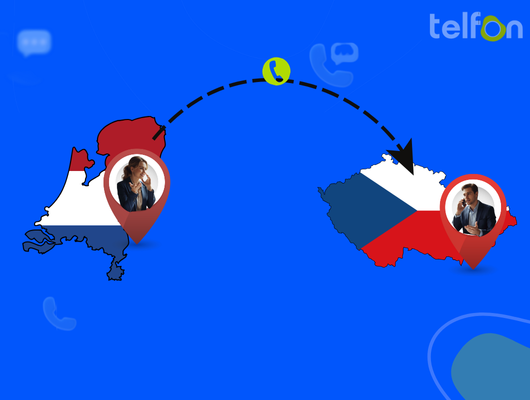







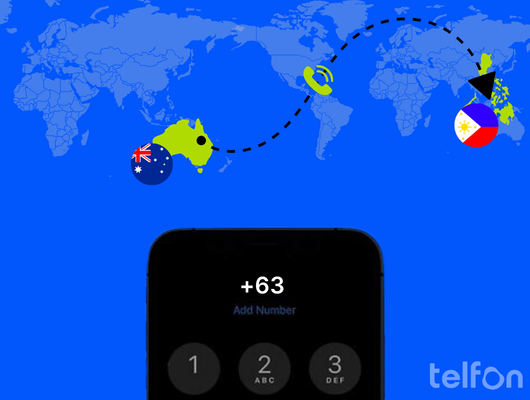
Connecting with family in Manila or managing a support team in Cebu is a daily necessity. The distance between Australia and the Philippines is significant. However, modern technology bridges that gap effortlessly. You do not need to worry about complex dialing rules or poor connection quality. We will explain the exact steps to make your call successful.
You must know specific codes before you pick up the phone. You also need to consider the time difference to avoid waking people up. Furthermore, understanding the costs involved is crucial. Traditional carriers can be expensive, but there are cheaper alternatives. For official telecommunications standards, you can visit the Australian Communications and Media Authority.
The Basics of International Dialing
Making an international call requires a specific formula. You cannot simply dial the local number you have saved. Your phone carrier needs specific instructions to route the call. These instructions come in the form of prefix digits. These digits guide your call across the ocean to the correct network.
You must follow a strict order for the call to connect. This ensures the call leaves Australia successfully. It also ensures it enters the Philippine network correctly. Finally, the system routes the call to the specific city or mobile device.
The Standard Sequence
Every international call follows a universal structure. Think of it as a digital address for your voice.
- Exit Code: This lets your carrier know you are calling overseas.
- Country Code: This identifies the destination nation.
- Area Code: This targets a specific region or city (landlines only).
- Local Number: This is the person’s unique subscriber line.
What You Need Before Calling
Gather the necessary details first to save time. This prevents frustration and failed connection attempts.
- The Full Number: Get the area code if it is a landline.
- The Time Zone: Check the current time in the Philippines.
- A Good Connection: Ensure your mobile signal or internet is strong.
Identifying the Philippines Country Code
You must use the correct country identifier for every call. This is the most critical part of the dialing sequence. It signals the global network to direct the voice data. It tells the system to route specifically to the Philippines.
The Philippines Country Code is 63.
You will always dial this code immediately after the exit code. It applies to both landlines and mobile phones without exception. Without this number, your call will remain within Australia or fail completely.
How to Call from an Australian Landline
Calling from a home phone or office line requires a manual approach. You must punch in the exit code digits yourself. Landlines do not automatically insert international prefixes like mobile phones do.
Step-by-Step Landline Instructions
Follow this exact order for a successful connection.
- Dial 0011: This is Australia’s international exit code.
- Dial 63: This directs the call to the Philippines.
- Dial the Area Code: Enter the city code (e.g., 2 for Manila).
- Dial the Phone Number: Enter the local subscriber number.
Example for a Manila Landline:
0011 – 63 – 2 – 8123 4567
Important Landline Note
Double-check the area code before you dial. Wrong area codes are a very common mistake. This error prevents you from reaching the intended region. Also, ensure you do not dial the leading ‘0’ of the area code. The country code ’63’ replaces that initial zero.
How to Call from an Australian Mobile
Mobile phones offer a convenient shortcut for international dialing. You do not need to remember the ‘0011’ exit code. Modern mobile technology handles this prefix for you automatically.
The Plus (+) Sign Method
This is the easiest way to dial internationally from a smartphone.
- Press and Hold 0: Wait until the ‘+’ sign appears on your screen.
- Dial 63: Enter the destination country code.
- Enter the Number: Dial the mobile prefix and number.
Example for a Mobile Number:
+63 917 123 4567
Calling a Landline from Mobile
You can also call a fixed landline using your mobile phone. The process is very similar to calling another mobile.
- Dial +: Get the plus sign on your screen.
- Dial 63: The country code for the Philippines.
- Dial Area Code: The city code (e.g., 32 for Cebu).
- Dial Number: The local landline digits.
Example:
+63 32 123 4567
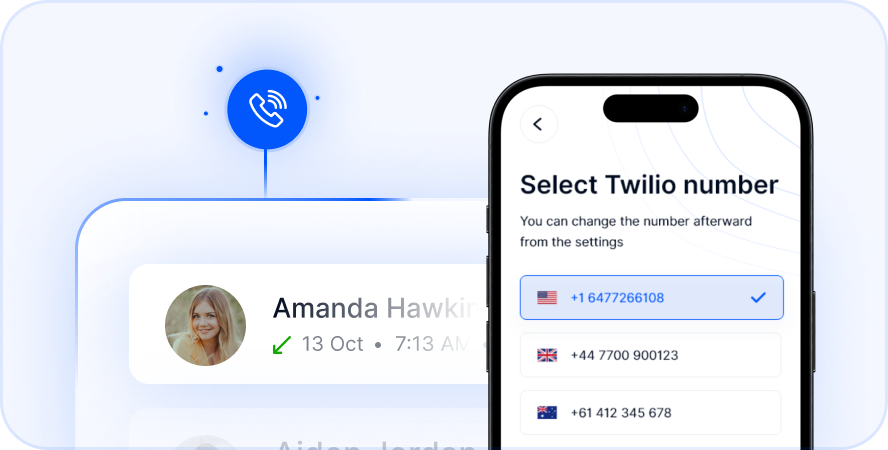
Select Number
Philippine Area Codes You Must Know
Landlines in the Philippines are tied to specific geography. You must know the city code to connect. Without it, the call will fail or reach a wrong number. Mobile numbers do not use these geographic codes.
Common City Codes
Here is a list of major locations and their codes.
| City / Region | Area Code |
|---|---|
| Manila | 2 |
| Cebu City | 32 |
| Davao City | 82 |
| Baguio | 74 |
| Cavite | 46 |
| Pampanga | 45 |
| Batangas | 43 |
When to Use These Codes
Only use these codes for fixed landlines. Do not add them to mobile numbers. Mobile numbers have their own internal prefixes provided by carriers. Adding an area code to a mobile number will cause an error.
Understanding Philippine Phone Formats
The Philippines has two distinct number formats you must recognize. One format is strictly for landlines. The other format is exclusively for mobile phones. Confusing them causes connection errors and wasted time.
Landline Format Explained
Landlines usually have an area code plus a 7-digit or 8-digit number.
- Format: +63 [Area Code] [Local Number]
- Example: +63 2 8123 4567
Manila numbers are now 8 digits long due to recent expansion. Provincial numbers remain mostly 7 digits. Always ask the recipient for the full number including the area code.
Mobile Number Format Explained
Mobile numbers are always 10 digits long. They always start with a 3-digit prefix (like 917 or 908).
- Format: +63 [3-Digit Prefix] [7-Digit Number]
- Example: +63 917 123 4567
The prefix identifies the carrier (Globe, Smart, DITO). You do not need a city code for mobiles. The mobile network locates the phone anywhere in the country.
The Best Time to Call
You must respect the time difference to ensure your call is welcome. The Philippines is behind Australia in time. The difference varies slightly depending on Daylight Saving Time in Australia.
Time Zone Comparison
Australia generally uses Australian Eastern Standard Time (AEST). The Philippines uses Philippine Standard Time (PHT).
- Standard Difference: The Philippines is 2 hours behind AEST.
- Daylight Savings: During Australian summer, the gap increases to 3 hours.
Quick Reference Table (Standard Time)
| Time in Sydney/Melbourne | Time in Philippines | Context |
|---|---|---|
| 9:00 AM | 7:00 AM | Start of Day |
| 12:00 PM | 10:00 AM | Business Hours |
| 5:00 PM | 3:00 PM | Afternoon |
| 8:00 PM | 6:00 PM | Evening |
Call in the late afternoon for the best results. This catches people after work or school in the Philippines.
The Cost of International Calls
Calling overseas used to be incredibly costly for Australians. Traditional carriers charge per minute for international access. These rates can be very high depending on your plan. You might pay additional connection fees as well.
Why Traditional Calls are Expensive
Carriers use physical infrastructure and undersea cables. They rent lines from foreign telecom companies to complete your call. They pass these high rental costs directly to you. A 30-minute call can cost a small fortune.
The Solution: VoIP Technology
Voice over Internet Protocol (VoIP) changes the game completely. It uses the internet to transmit voice data. This bypasses the expensive traditional telephone network.
- Lower Rates: You pay a fraction of the cost.
- Better Quality: HD audio is standard with good internet.
- More Features: You get more than just voice transmission.
Introducing Telfon: Your Calling Solution
Telfon is a leading cloud telephony app designed for modern needs. It is built to serve both individuals and businesses. The platform currently supports over 30,000 users globally. It offers a smart alternative to standard carrier calling.
Why Choose Telfon?
It offers pay-as-you-go pricing plans. You only pay for the minutes you actually use. You can save up to 50% compared to traditional providers. It works seamlessly on Google Play, the App Store, and Chrome.
Features for Individuals
Telfon makes personal calls easy and affordable.
- Global Reach: Call over 180 countries instantly.
- Virtual Numbers: Buy a local Philippine number for yourself.
- SMS: Send texts easily to Philippine mobiles.
- WhatsApp: Integrate your account for seamless chat.
Features for Businesses
Companies trust Telfon for their operations. Over 600 businesses use it daily for their teams. It is perfect for remote teams and support centers.
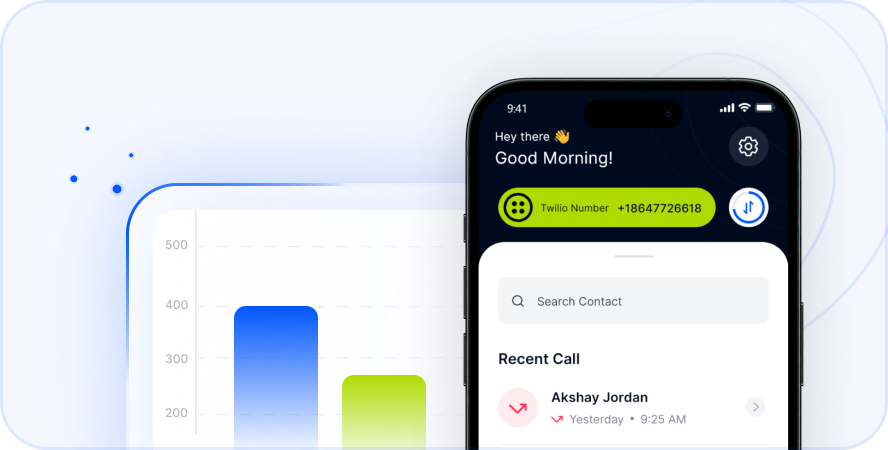
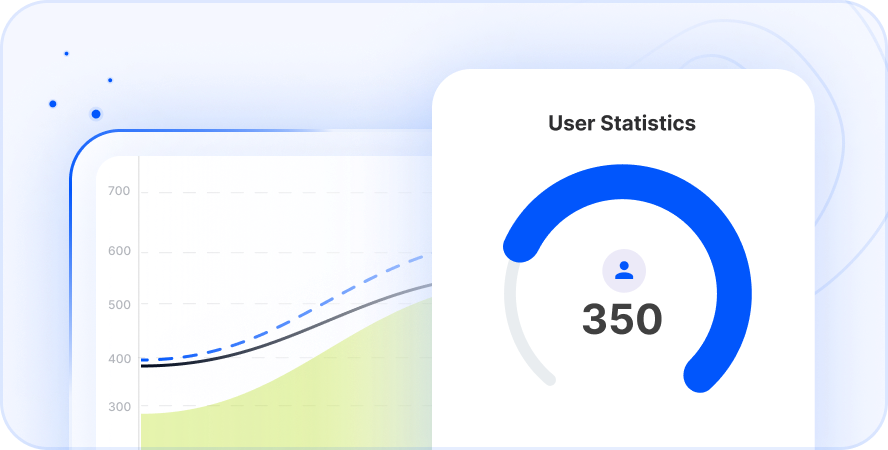
- User Analytics: Track call data with detailed graphs.
- Call Recording: Monitor quality assurance for training.
- Bulk SMS: Send marketing blasts to client lists.
- Budget Control: Assign spending limits to team members.
- CRM Integration: Manage leads effectively within your system.
Troubleshooting Common Issues
Sometimes calls do not connect despite your best efforts. This can be frustrating when you need to speak urgently. Here are common fixes for frequent problems.
Check the Digits
Did you dial the correct exit code? Did you include the mandatory area code? Re-read the number carefully. Ensure you dropped the leading ‘0’ from the local number.
Network Restrictions
Some employers block international calls on office phones. Check with your admin if dialing from work. Your mobile plan might also have international blocks active.
Connection Quality
VoIP relies heavily on your internet speed. Ensure you have 4G or Wi-Fi connected. A weak signal causes choppy audio or dropped calls. Move to an area with better reception if audio lags.
Why Australians Call the Philippines
The connection between our nations is strong and growing. There are many reasons to pick up the phone daily.
Connecting Families
Thousands of Filipinos live and work in Australia. They call home to share news with parents. They coordinate birthdays and holidays with siblings. Maintaining these family bonds is essential.
Business Outsourcing
Many Australian companies hire talent in the Philippines. They need reliable lines for daily stand-up meetings. Real estate and sales teams use these lines heavily. Clear communication is vital for business success.
Travel and Tourism
Australians love visiting Philippine beaches and islands. You might call to book a hotel room. You might need to confirm a tour booking. Direct calls often resolve travel issues faster than email.
Download Telfon & Call the Philippines for Less
Key Takeaways
Calling the Philippines is simple with the right knowledge. Here is a summary of what matters most.
- Dial 0011 or +: Start every call correctly.
- Use Code 63: This is mandatory for the Philippines.
- Check Area Codes: Only use these for landlines.
- Watch the Clock: They are 2-3 hours behind you.
- Use VoIP: Apps like Telfon save you money.
- Verify Numbers: Avoid simple dialing errors.
Stop overpaying for your international calls today. Download Telfon and start saving.
Start Your Trial
Book a Demo
Frequently Asked Questions (FAQs)
Here are answers to common queries about calling the Philippines.
What is the cheapest way to call the Philippines?
Using a VoIP app like Telfon is the cheapest method. It uses the internet rather than expensive phone lines. You can save up to 50% on rates compared to traditional carriers.
Do I dial 0 before the mobile number?
No. When calling internationally, drop the leading ‘0’ of the local mobile number. Dial +63 followed directly by the 9-digit prefix (e.g., +63 917…).
What is the time difference?
The Philippines is generally 2 hours behind Australian Eastern Standard Time. If it is 10 AM in Sydney, it is 8 AM in Manila. During Daylight Saving, the gap is 3 hours.
Can I get a Philippine number on my Australian phone?
Yes. Telfon allows you to purchase a virtual Philippine number. People in the Philippines can call you at local rates. You receive the call on your app in Australia.
How do I call a Cebu landline?
Dial the exit code (+ or 0011). Then dial 63 (Country Code). Then dial 32 (Cebu Area Code). Finally, dial the local landline number.
Is Telfon good for business teams?
Yes. It offers analytics, call recording, and dashboard filters. It is ideal for sales teams and customer support centers. You can manage budgets per user.
Does calling mobile numbers cost more?
Traditionally, yes. Calling mobiles is often pricier than landlines with old carriers. However, VoIP apps often offer flat rates for both.
How many digits is a Philippine mobile number?
It is 10 digits long (excluding the leading 0). It always starts with a provider prefix like 917 or 920.