






Connecting with family or business partners across the ocean is vital. You want to hear their voices clearly. Yet, dialing international numbers often feels confusing. You might worry about costs or wrong codes. We are here to fix that. This guide simplifies how to call Romania from Canada. You will learn the exact steps. We also cover how to save money. For specific time zone details, you can check resources like Time and Date. Let’s ensure your next call connects instantly.
Understanding the Basics of International Dialing
Making a call to Eastern Europe requires specific codes. These digits act like a roadmap. They guide your call through the global network. You cannot simply dial the local number. The call will fail if you do.
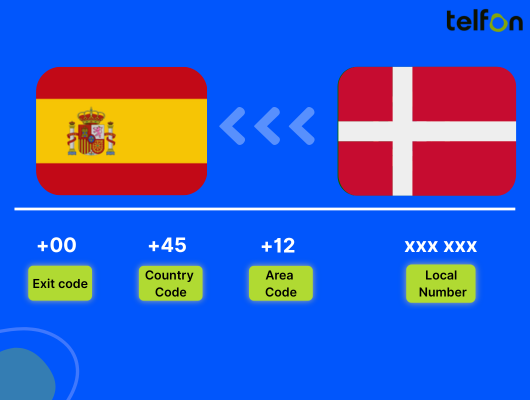
You need four key pieces of information. First is the exit code. This gets you out of the Canadian network. Second is the country code. This directs the call to Romania. Third is the area code. This targets a specific city. Finally, you need the subscriber number.
The Breakdown of Required Codes
Here is exactly what you need to know.
- Exit Code: This is 011 for Canada.
- Country Code: This is 40 for Romania.
- Area Code: This represents the city or region.
- Local Number: This is the person’s unique line.
Memorizing this order is the first step. It ensures your call reaches the right destination. We will look at specific methods next.
How to Call Romania from a Canadian Landline
Many people still rely on landlines for stability. The process is slightly different than mobile dialing. You must physically dial the exit code. There are no shortcuts on a standard home phone.
Here is the exact sequence you must follow.
- Pick up the receiver and listen for a tone.
- Dial 011 (The Canadian Exit Code).
- Dial 40 (The Romania Country Code).
- Dial the Area Code (e.g., 21 for Bucharest).
- Dial the Local Number.
A Practical Landline Example
Let’s say you are calling a business in Bucharest. Their local number is 555-1234. The area code for Bucharest is 21.
You would dial: 011 40 21 555 1234.
Wait for the ringtone. It might sound different than a Canadian ring. This confirms the connection is establishing.
How to Call Romania from a Mobile Phone
Mobile phones offer a convenient shortcut. You do not need to remember the 011 exit code. Modern networks recognize a specific symbol instead. This makes saving contacts much easier.
We recommend using the plus (+) sign.
The Mobile Dialing Steps
Follow this simple process on your smartphone.
- Open your phone’s dialer app.
- Hold down the 0 key until a + appears.
- Dial 40 immediately after the plus sign.
- Enter the Area Code or Mobile Prefix.
- Enter the Local Number.
A Practical Mobile Example
Imagine you are calling a friend’s mobile in Cluj. Romanian mobile numbers usually start with 7. Let’s assume the number is 0744-123-456.
You would dial: +40 744 123 456.
Note that you drop the leading ‘0’ of the local number. The system handles the routing automatically. This method works on almost all global networks.
Decoding Romanian Phone Number Formats
Romanian numbers have a distinct structure. Recognizing this helps you spot errors. You can tell if a number is missing a digit. A standard number usually has 9 or 10 digits. This includes the area or network code.
Fixed-Line Structure
Landlines connect to specific locations. These numbers typically start with 02 or 03. The digit following the zero indicates the provider. The next digits indicate the region.
- Format: 02X XXX XXX
- Length: Usually 10 digits (including the leading 0).
- Usage: Homes, offices, and government buildings.
When calling from abroad, drop that first ‘0’.
Mobile Number Structure
Mobile numbers are not tied to a city. They are tied to a cellular network. These numbers generally start with 07.
- Format: 07X XXX XXXX
- Length: 10 digits total.
- Usage: Personal cell phones and business mobiles.
Again, drop the first ‘0’ when dialing +40. This is a common mistake to avoid.
Select Number
Major Romanian Area Codes
You need area codes for landlines. These route your call to the correct city. If you dial the wrong one, the call fails. Or you might reach a stranger in a different town.
Here are the codes for major cities.
| City | Area Code (Dial after 40) |
|---|---|
| Bucharest | 21 or 31 |
| Cluj-Napoca | 64 |
| Timișoara | 56 |
| Iași | 32 |
| Constanța | 41 |
| Brașov | 68 |
| Craiova | 51 |
| Galați | 36 |
Keep this list handy. It saves time when dialing new contacts. Mobile numbers do not use these geographic codes.
Managing Time Zone Differences
Timing is everything in international calls. Romania is significantly ahead of Canada. Calling at the wrong time is disruptive. You do not want to wake a client at 3 AM.
Canada vs. Romania Time
Romania uses Eastern European Time (EET). This is UTC+2. In summer, they switch to EEST (UTC+3).
- From Toronto/Montreal (EST): Romania is 7 hours ahead.
- From Vancouver (PST): Romania is 10 hours ahead.
- From Calgary (MST): Romania is 9 hours ahead.
Best Times to Call
Plan your calls carefully.
- For Business: Call early in the Canadian morning. 9:00 AM EST is 4:00 PM in Romania. This catches them before their workday ends.
- For Personal: Weekends are best. Or, try calling around 1:00 PM EST. This is 8:00 PM in Romania. It is a relaxed time for chatting.
Always check for Daylight Saving Time changes. The switch dates may differ between Canada and Europe.
The Cost Challenge of International Calls
Traditional calls are expensive. This is a sad reality of telecom. Major Canadian carriers charge high per-minute rates. A thirty-minute call can cost a fortune.
Hidden Fees and Roaming
Mobile roaming is even worse. Dialing Romania while away from WiFi triggers massive fees. Even “unlimited” plans often exclude international dialing. You might face connection fees too.
Calling cards are an outdated alternative. They often have hidden expiration dates. The advertised minutes are rarely accurate. You lose money on rounded-up minutes.
Businesses feel this pain acutely. Sales teams need to call frequently. Paying standard rates destroys the budget. There must be a better way.
Telfon: The Smart Way to Call
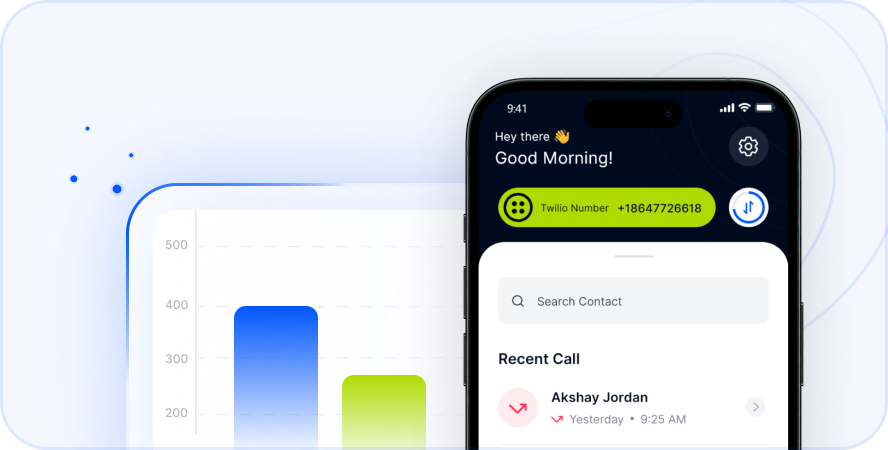
Modern technology solves the cost problem. Cloud telephony is the answer. Apps like Telfon use the internet to connect calls. This bypasses the expensive traditional networks.
We offer a solution for everyone. It suits individuals calling family. It also powers businesses expanding globally. You get clear audio without the high price tag.
Why Choose Telfon?
We provide value beyond just cheap calls.
- Cost Savings: Save up to 50% compared to traditional carriers.
- Global Reach: Call over 180 countries, not just Romania.
- High Quality: We use premium VoIP routes for clarity.
- Versatility: Works on Android, iOS, and Chrome browsers.
You pay as you go. There are no surprise contracts. You control your spending completely.
Virtual Numbers: A Game Changer
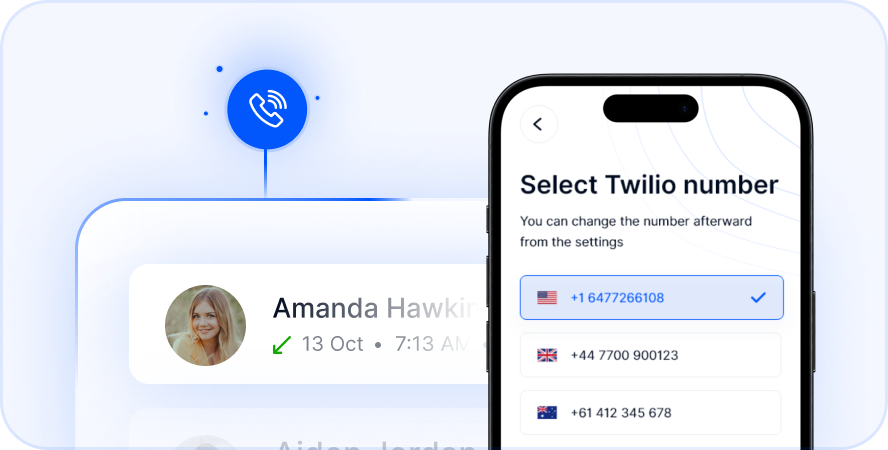
Telfon offers a powerful feature called Virtual Numbers. This is vital for maintaining a local presence. You can buy a Romanian phone number while living in Canada.
Benefits for Individuals
Your family in Romania can call you cheaply. They dial a local Bucharest number. It rings on your mobile in Canada. They do not pay international rates. It keeps families closer.
Benefits for Business
Trust is key in sales. Clients prefer answering local numbers. A +40 number builds instant credibility. It looks like you have a local office.
- Inbound Calls: Receive calls from Romanian clients easily.
- SMS Capabilities: Send and receive text messages.
- Professional Image: Look like a local entity.
Advanced Features for Business Growth
Telfon is more than a calling app. It is a complete business phone system. We support over 30,000 users globally. Over 600 companies trust our infrastructure.
Tools for Teams
We empower HR and Sales teams.
- Call Recording: Review calls for training and compliance.
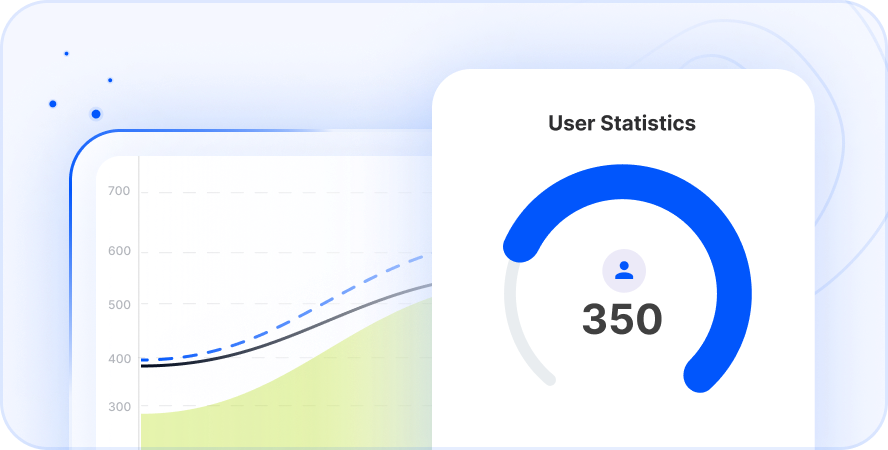
- Analytics: Track call duration and success rates.
- User Management: Assign budgets to team members.
- Dashboard Filters: Visualize data with graphs and charts.
WhatsApp Integration
Business happens on WhatsApp today. Telfon integrates directly. You can manage multiple WhatsApp accounts. This is perfect for customer support. You can engage clients where they are most active.
How to Get Started with Telfon
Starting is incredibly fast. You do not need hardware. You do not need a technician. You only need your smartphone or computer.
Simple Setup Steps
- Download: Find Telfon on Google Play or the App Store.
- Register: Create an account in seconds.
- Add Credit: Choose a budget that fits your needs.
- Dial: Enter the number and press call.
You can also buy a number immediately. Navigate to the “Buy Number” section. Select Romania. Choose your preferred digits. It is active instantly.
Tips for Better Call Quality
VoIP relies on your internet connection. A few adjustments ensure crystal-clear audio.
- Use WiFi: Connect to a stable WiFi network when possible.
- Check Signal: Ensure you have strong 4G/5G data otherwise.
- Close Apps: Close background apps consuming bandwidth.
- Use Headsets: A good microphone improves voice clarity significantly.
We monitor network health constantly. However, your local connection matters too.
Troubleshooting Common Issues
Sometimes calls do not go through. Do not panic. Check these common errors first.
- Wrong Exit Code: Did you dial 011 on a landline?
- Missing Country Code: Did you forget the 40?
- Leading Zero: Did you leave the ‘0’ in the area code? Remove it.
- Blocked Number: Is the recipient blocking international calls?
- Insufficient Credit: Check your balance in the Telfon app.
Most issues are simple dialing errors. Double-check the digits and try again.
Key Takeaways
- Dial Sequence: Exit Code (011) + Country (40) + Area Code + Number.
- Mobile Easy Mode: Use the + symbol instead of 011.
- Time Zones: Romania is 7 to 10 hours ahead of Canada.
- Cost: Traditional carriers are expensive; VoIP is affordable.
- Telfon Advantage: Get a local Romanian virtual number.
- Business Ready: Use recording, analytics, and WhatsApp tools.
Stop overpaying for international calls and start experiencing crystal-clear connections to Romania today
Summary
Calling Romania from Canada is simple. You just need the right codes. The sequence is 011, then 40, then the number. Mobile users can just use +40. However, paying high fees is unnecessary. Traditional carriers charge too much.
We recommend using modern solutions. Telfon connects you reliably and cheaply. You get features like virtual numbers and call recording. It works for families and global businesses. Download the app today. Start connecting with Romania effortlessly.
Frequently Asked Questions (FAQs)
Here are answers to common queries.
Q1: What is the country code for Romania?
The country code is 40. You dial this after 011 or the + sign.
Q2: How do I call a mobile in Romania from Canada?
Dial +40 followed by the 9-digit mobile number. Do not dial the first zero.
Q3: Is calling Romania free with Telfon?
App-to-App calls can be free. Calls to landlines require small credits. Rates are much lower than banks.
Q4: Can I get a Bucharest phone number?
Yes. Telfon allows you to buy a virtual number with the 21 area code.
Q5: What is the time difference?
Romania is 7 hours ahead of Toronto and Montreal. It is 10 hours ahead of Vancouver.
Q6: Can I send SMS to Romania?
Yes. Telfon supports international SMS sending and receiving.
Q7: Do I need an area code for mobile numbers?
No. The mobile prefix (like 074) acts as the routing code.
Q8: Why does my call fail instantly?
You likely included the leading ‘0’ of the local number. Remove it and redial.
Q9: Is Telfon good for business?
Absolutely. It offers analytics, recording, and CRM integration features.
Q10: Can I keep my Canadian number?
Yes. Telfon works alongside your existing SIM card. It is a separate app.