






Living in Germany keeps you connected to the rest of Europe. You might have family living in Bucharest. Maybe you manage business partners in Cluj-Napoca. A clear connection is vital for these c onversations. You do not want dropped calls or bad audio. Knowing the right dialing steps saves you time. It also prevents frustration during urgent calls.
International dialing can seem confusing at first. There are specific codes to remember. You also have to consider the costs involved. Traditional carriers often charge high fees for these calls. However, modern technology offers better solutions. You can check current time differences at Time and Date before you dial. This guide covers everything you need to know.
We will explain the standard dialing format. You will learn about landline and mobile differences. We will also introduce a cost-effective alternative.
Understanding the Basics of International Dialing
Every international call follows a specific logic. The phone network needs directions. It needs to know you are leaving Germany. Then, it needs to know you are entering Romania. This requires two main codes.
The German Exit Code (00)
Your call starts with the exit code. This code signals an international call. In Germany, this code is 00. You dial this first on any landline. It tells your provider to switch networks.
Most European countries use this same code. It is the standard “International Access Code.” Without it, the call stays local. Your provider will not route it correctly.
The Romanian Country Code (+40)
Next, you need the destination country code. This acts like a digital address for the nation. For Romania, the unique code is 40. You dial this immediately after the exit code.
This code directs the signal to Romanian telecom providers. It ensures your call reaches the right country. If you dial the wrong code, you reach the wrong place.
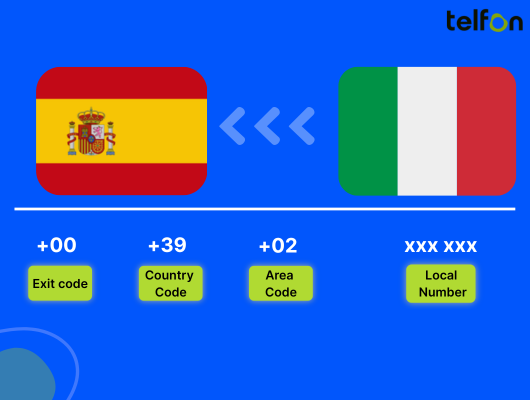
The basic formula is: Exit Code (00) + Country Code (40).
How to Call a Romanian Landline
Calling a landline requires geographical precision. Fixed lines are tied to physical locations. Therefore, you must use an area code. This code identifies the specific city or region.
Step-by-Step Dialing Instructions
Follow this sequence for a successful connection.
- Dial 00: This is the German exit code.
- Dial 40: This routes the call to Romania.
- Dial the Area Code: This is usually 2 or 3 digits.
- Dial the Local Number: This is the subscriber’s personal number.
Practical Landline Example
Let’s say you are calling a friend in Brașov. Their local number is 123 456. The area code for Brașov is 268.
You will dial: 00 40 268 123 456.
Wait for the ringing tone. Landline connections can take a few seconds.
List of Major Romanian Area Codes
You must use the correct area code. Here is a list of codes for major cities.
| City | Area Code |
|---|---|
| Bucharest | 21 or 31 |
| Cluj-Napoca | 264 |
| Timișoara | 256 |
| Iași | 232 |
| Constanța | 241 |
| Brașov | 268 |
| Sibiu | 269 |
| Craiova | 251 |
Note: Always confirm the area code before dialing.
How to Call a Romanian Mobile Phone
Most people today rely on mobile phones. The dialing process is slightly different. Mobile numbers are not linked to cities. They use mobile network prefixes instead.
The Mobile Dialing Format
Mobile calls are often easier to dial. You do not need to know the city. You only need the person’s mobile number.
- Use the Plus (+): On smartphones, hold the “0” key. A “+” sign appears. This replaces “00”.
- Dial 40: This is the standard country code.
- Dial the Mobile Number: Enter the full mobile number.
Handling the Leading Zero
Romanian mobile numbers start with “07”. For example, 0722 123 456. You must drop the first zero.
This is a critical rule for international calls. The initial zero is for local domestic calls only.
Practical Mobile Example
You want to call a partner’s mobile. Their number is 0722 555 123.
You will dial: +40 722 555 123.
Or from a landline: 00 40 722 555 123.
The network handles the rest automatically.
Select Number
Managing Time Zone Differences
Timing is crucial for a polite call. You do not want to wake someone up. Fortunately, the time gap is small.
Germany vs. Romania Time
Germany operates on Central European Time (CET). Romania operates on Eastern European Time (EET).
- Difference: Romania is 1 hour ahead of Germany.
- Example: If it is 14:00 (2 PM) in Berlin, it is 15:00 (3 PM) in Bucharest.
Best Times to Call
Plan your calls to fit schedules.
- Business Calls: Call between 09:00 and 16:00 German time. This ensures you catch them during office hours.
- Personal Calls: Evenings work well. Just remember 21:00 in Germany is 22:00 in Romania.
Both countries use Daylight Saving Time. They switch clocks on the same dates. The one-hour gap usually remains constant year-round.
The Problem with Traditional Carriers
Calling internationally used to be expensive. Many people still use standard network providers. This often leads to high bills.
High Costs and Hidden Fees
German carriers charge high per-minute rates. Calls to Romania are “Zone 1” or “Zone 2” international calls.
- Connection Fees: A flat fee just to start the call.
- Mobile Surcharges: Calling a mobile is pricier than a landline.
- Roaming Risks: Using your phone while traveling adds costs.
Lack of Flexibility
Traditional phone lines tie you to one device. You cannot easily record calls. You cannot switch devices mid-call. These limitations hurt business efficiency. You need a modern solution.
Why Switch to VoIP?
Voice over Internet Protocol (VoIP) is the new standard. It uses the internet to transmit voice. This bypasses the old copper wire networks.
Significant Cost Savings
VoIP data travels cheaply over the web. This reduces the cost of international calls. You can save up to 50% on your monthly bill. There are no expensive hardware requirements.
Superior Audio Quality
Old phone lines often crackle. VoIP uses high-definition codecs. The voice sounds natural and close. It feels like you are in the same room.
Location Independence
You are not stuck at a desk. You can make calls from anywhere. All you need is Wi-Fi or data. This is perfect for remote work.
Introducing Telfon: The Best Way to Call
Telfon is a leading virtual phone calling app. It is a complete cloud telephony solution. It serves both individuals and growing businesses. It transforms how you connect with Romania.
What is Telfon?
Telfon is a software-based phone system. It works as an app on your smartphone. It also works on your computer. Over 30,000 users globally trust it. More than 600 companies use it daily.
Features for Individuals
Telfon makes personal calling easy and cheap.
- Global Reach: Call over 180+ countries easily.
- Pay-As-You-Go: No strict contracts. Top up credit as needed.
- Crystal Clear Audio: Enjoy high-quality conversations.
- Privacy: Keep your personal number private.
Powerful Business Tools
Telfon is ideal for sales and support teams. It offers enterprise-level features.
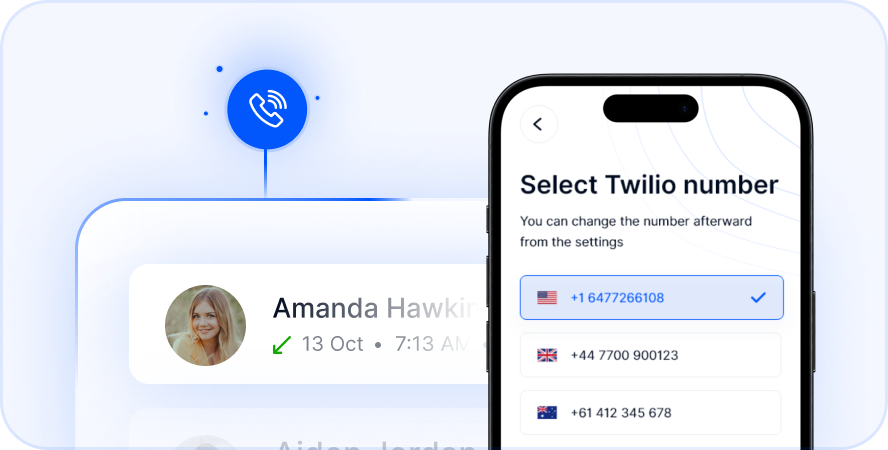
- Virtual Numbers: Buy a Romanian number (+40).
- Call Recording: Review calls for quality assurance.
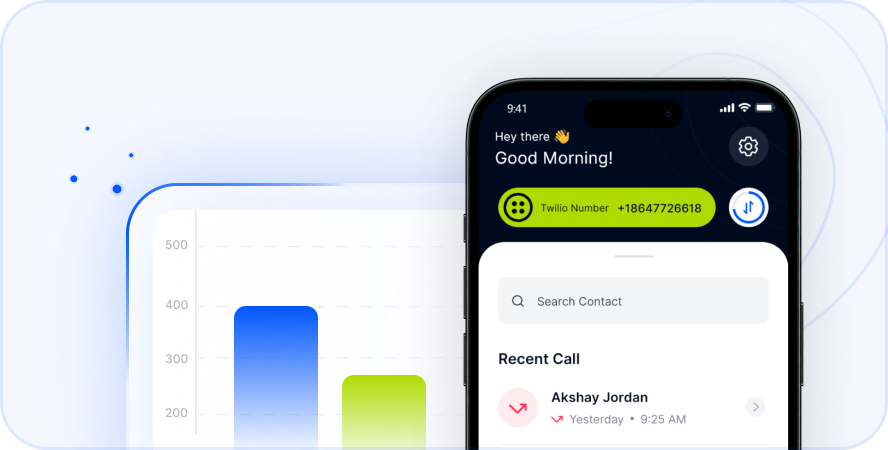
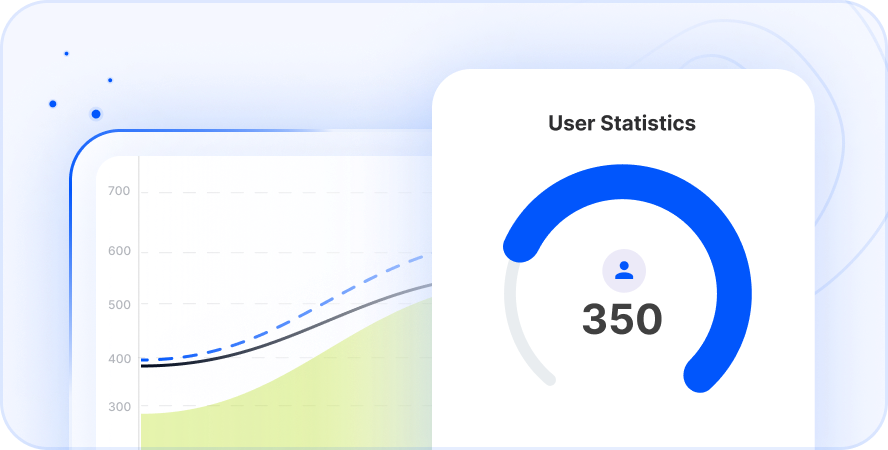
- Analytics: View charts and graphs of call history.
- CRM Integration: Connect with your business software.
How Telfon Helps Businesses in Germany
Expanding into Romania requires a local presence. Using a German number can be a barrier. Telfon solves this problem effectively.
Establish a Local Presence
You can purchase a virtual Romanian number. Your clients in Bucharest see a local code. This builds immediate trust. They are more likely to answer.
Cost-Effective Communication
Your clients pay local rates to call you. You receive the call in Germany via the app. This removes the fear of international fees for them.
Team Management
Assign budgets to different employees. Monitor usage through the dashboard. See who is making calls and when. This helps control operational costs.
Step-by-Step Guide to Using Telfon
Getting started is incredibly simple. You do not need technical skills. You can start calling in minutes.
Step 1: Download the App
Go to the Google Play Store or App Store. Search for “Telfon”. Download the app to your device. You can also use the Chrome Web Store extension.
Step 2: Create Your Account
Open the app and sign up. The process is fast. You only need basic details. Verify your account to proceed.
Step 3: Add Credits
Choose a plan that fits you. You can use a pay-as-you-go model. Or, select a business package. Telfon offers transparent pricing.
Step 4: Dial Romania
Open the keypad within the app. Enter +40 followed by the number. Press the call button. Enjoy the clear connection.
Advanced Features of Telfon
Telfon is more than just voice calls. It is a unified communication platform.
WhatsApp Integration
Manage multiple WhatsApp accounts in one place. This is great for customer support. You can respond to queries faster.
Bulk SMS Capabilities
Send broadcast messages to clients. Inform them about offers or updates. This is a powerful marketing tool.
Voicemail to Text
Busy professionals miss calls. Telfon transcribes voicemails into text. You can read the message instantly. This saves time dialing into voicemail.
Detailed Analytics
View user analytics through cards and charts. Understand peak calling times. Filter data by user or date. This helps in strategic decision-making.
Troubleshooting Common Call Issues
Sometimes calls to Romania might fail. Here is how to fix common problems.
Check the Number Format
Did you include the leading zero? Remember to remove it. Did you forget the area code? Double-check the digits.
Verify Internet Connection
VoIP relies on your internet. A weak signal causes dropouts. Switch to Wi-Fi if mobile data is slow. A strong 4G/5G signal is also good.
Recipient Availability
Is the Romanian phone switched on? Do they have a signal? Try sending a WhatsApp message via Telfon first. This confirms they are online.
Check Account Balance
Ensure you have enough credit. Telfon alerts you when funds are low. Top up immediately to avoid interruptions.
Security and Reliability
Security is a priority for Telfon. Your conversations must remain private.
Data Encryption
Telfon uses secure cloud protocols. Your call logs are protected. Your message history is safe. We adhere to strict privacy standards.
High Uptime
The system is built for stability. Dropped calls are very rare. You can rely on Telfon for critical business deals.
Number Blocking
Spam calls disrupt your day. You can block unwanted numbers easily. This keeps your line open for real business.
Summary: Why Choose Telfon?
Calling Romania from Germany should be easy. It should also be affordable. Traditional carriers fail on price. Telfon succeeds on value.
- Save Money: Lower rates than standard carriers.
- Better Quality: HD voice clarity.
- More Features: Recording, SMS, and Analytics.
- Flexibility: Call from mobile or desktop.
Make the switch today. Improve your communication with Romania.
Switch to Telfon today and save on calls from Germany to Romania
Frequently Asked Questions (FAQs)
Here are answers to common questions about calling Romania.
What is the country code for Romania?
The country code is +40. You must dial this code for every call from Germany to Romania.
How do I call a Romanian mobile from Germany?
Dial +40 followed by the 9-digit mobile number. Remember to remove the initial “0” from the local mobile number.
Is calling Romania expensive?
It can be expensive with traditional carriers. However, using VoIP apps like Telfon saves you up to 50%.
Can I get a Romanian number while living in Germany?
Yes. Telfon allows you to buy a virtual Romanian number. You can use this number while physically located in Germany.
What is the time difference?
Romania is one hour ahead of Germany. When it is noon in Germany, it is 1:00 PM in Romania.
Does Telfon support SMS?
Yes. You can send and receive SMS. You can also send bulk broadcasts for marketing.
Is Telfon good for business?
Absolutely. It offers analytics, call recording, and CRM integrations. It is perfect for sales and HR teams.
Do I need high-speed internet?
A stable 4G or Wi-Fi connection is recommended. This ensures the best voice clarity without lag.
How do I dial a landline in Bucharest?
Dial 00 40 21 followed by the local number. You can also use +40 21 on a mobile app.
Can I keep my existing number?
Telfon provides virtual numbers. You can use the app alongside your regular SIM card without losing your main number.