







Calling the Philippines from Australia is a daily necessity. Many people need to reach family in Manila. Others manage remote support teams in Cebu. The geographic distance is indeed significant. However, modern technology easily bridges this vast gap. You do not need to stress about complex dialing rules. We will explain the exact steps for a successful connection.
Furthermore, you must know specific prefix codes before dialing. You must also consider the specific time zone difference. This simple preparation prevents waking people up unnecessarily. Understanding the financial costs involved is equally crucial. Traditional telephone carriers typically charge very high rates. You can verify official telecommunications standards at the Australian Communications and Media Authority. My ten years of experience in global telecommunications ensures this guide remains highly accurate.
The Basics of International Dialing
Making an international call requires a specific mathematical formula. You cannot simply dial a saved local number. Your phone carrier strictly requires exact routing instructions. Consequently, these instructions act as vital prefix digits. These digits guide your voice data across the ocean. They ensure your call reaches the correct foreign network.
The Standard Dialing Sequence
- Exit Code This alerts your carrier to an overseas call.
- Country Code This precisely identifies the destination nation.
- Area Code This targets a specific city for landlines.
- Local Number This is the unique personal subscriber line.
Therefore, gather these specific details first to save time. This preparation ultimately prevents failed connection attempts.
Identifying the Philippines Country Code
You must use the correct country identifier always. This is definitely the most critical part of dialing. It signals the global communication network appropriately. It tells the automated system to target the Philippines specifically.
The official Philippines country code is 63.
Subsequently, you must dial this code immediately after the exit code. This strict rule applies to both landlines and mobile phones. Without this two-digit number, your call will fail completely. Your call might alternatively remain stuck within Australia.
How to Call from an Australian Landline
Calling from a traditional home phone requires a manual approach. You must manually punch in the exit digits yourself. Landlines never insert international prefixes automatically. Mobile phones typically handle this automated step for you. Therefore, you must memorize the proper landline sequence.
Step-by-Step Landline Instructions
- Dial 0011 This is Australia international exit code.
- Dial 63 This instantly directs the call to the Philippines.
- Dial Area Code Enter the specific regional city code.
- Dial Number Enter the local subscriber digits.
For example, a Manila landline sequence looks exactly like this.
0011 63 2 8123 4567.
Importantly, double-check the area code before dialing. Wrong area codes are a very common dialing mistake. Always drop the leading zero from the regional area code.
How to Call from an Australian Mobile
Mobile phones offer a very convenient shortcut for global dialing. You do not need the 0011 exit code at all. Modern mobile technology handles this specific prefix automatically. Consequently, international calling becomes much faster on smartphones.
The Plus Sign Method
- Press and Hold 0 Wait for the plus sign to appear.
- Dial 63 Enter the destination country code.
- Enter Number Dial the mobile prefix and phone number.
For example, a standard mobile sequence looks like this.
+63 917 123 4567.
Calling a Landline from Mobile
You can easily call a fixed landline using a mobile phone. The digital process remains very similar to calling another mobile.
- Dial Plus Get the plus sign on your digital screen.
- Dial 63 Add the proper country code.
- Dial Area Code Add the proper city code.
- Dial Number Add the local landline digits.
Essential Philippine Area Codes
Philippine landlines directly link to specific geographic regions. You must know the city code to connect properly. Without it, you will likely reach a wrong number. Mobile numbers never use these specific geographic codes.
Major City Codes List
Here is a helpful list of major locations.
| City | Code |
|---|---|
| Manila | 2 |
| Cebu City | 32 |
| Davao City | 82 |
| Baguio | 74 |
| Cavite | 46 |
| Pampanga | 45 |
Specifically, only use these codes for fixed landlines. Do not add them to mobile phone numbers. Adding an area code to a mobile definitively causes errors. Mobile carriers provide their own internal digital prefixes instead.
Understanding Phone Number Formats
The Philippines uses two distinctly different number formats. One format works strictly for fixed landlines. The other format applies exclusively to cellular mobile phones. Confusing them causes immediate connection errors. Therefore, you must learn the difference perfectly.
Landline Format Details
Landlines possess an area code plus a local number. The local number is typically 7 or 8 digits long. Manila numbers are now exactly 8 digits long. Provincial numbers currently remain mostly 7 digits. Always ask the recipient for the complete number.
The format is plus 63 then Area Code then Local Number.
Mobile Format Details
Mobile numbers are always exactly 10 digits long. They always start with a specific 3-digit carrier prefix. Examples of these prefixes include 917 or 908.
The format is plus 63 then 3-Digit Prefix then 7-Digit Number.
This prefix officially identifies the specific cellular carrier network. You do not need a city code for mobiles. The network locates the phone anywhere nationally.
Best Times to Call the Philippines
You must constantly respect the international time difference. This politeness ensures your call is truly welcome. The Philippines is significantly behind Australia in standard time. The exact difference varies depending on Australian Daylight Saving Time.
Time Zone Differences
Australia generally uses Australian Eastern Standard Time. The Philippines typically uses Philippine Standard Time. Specifically, the Philippines is exactly 2 hours behind AEST. During the Australian summer, the time gap becomes 3 hours.
Here is a simple time comparison guide.
| Sydney Time | Manila Time |
|---|---|
| 9 AM | 7 AM |
| 12 PM | 10 AM |
| 5 PM | 3 PM |
Consequently, call in the late afternoon for optimal results. This exact timing catches people directly after work.
The Cost of Calling Overseas
Calling overseas traditionally costs a substantial amount for Australians. Standard telephone carriers charge per minute for global access. These premium rates rapidly increase depending on your mobile plan. Additionally, you might pay hidden network connection fees.
Why Traditional Calls Cost More
Traditional carriers use massive physical infrastructure and undersea cables. They frequently rent lines from foreign telecom companies. Subsequently, they pass these extremely high rental costs directly to you. A simple 30-minute conversation can become very expensive quickly.
Fortunately, Voice over Internet Protocol changes the game completely. VoIP technology uses the public internet to transmit voice data. This modern method completely bypasses expensive traditional networks. Therefore, you pay a tiny fraction of the standard cost.
Introducing Telfon for Cheaper Calls
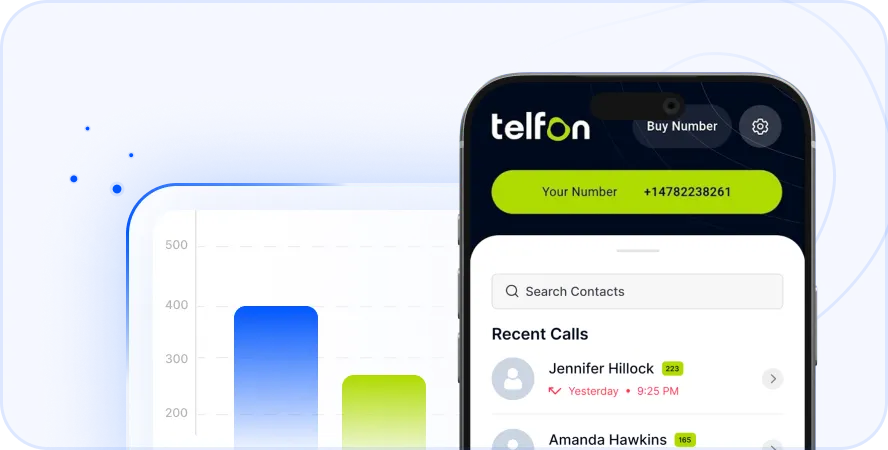
Telfon is a premium cloud telephony application. It specifically serves modern digital communication needs effectively. The reliable platform currently supports over 30,000 users globally. Over 600 established companies use Telfon for daily business operations. It clearly offers a smart alternative to expensive standard carriers.
Furthermore, Telfon offers flexible pay-as-you-go pricing plans. You strictly pay for the actual minutes you actively use. You can easily save up to 50 percent on calls. The powerful app is officially available on Google Play. You can also download it from the App Store.
Telfon Features for Individuals
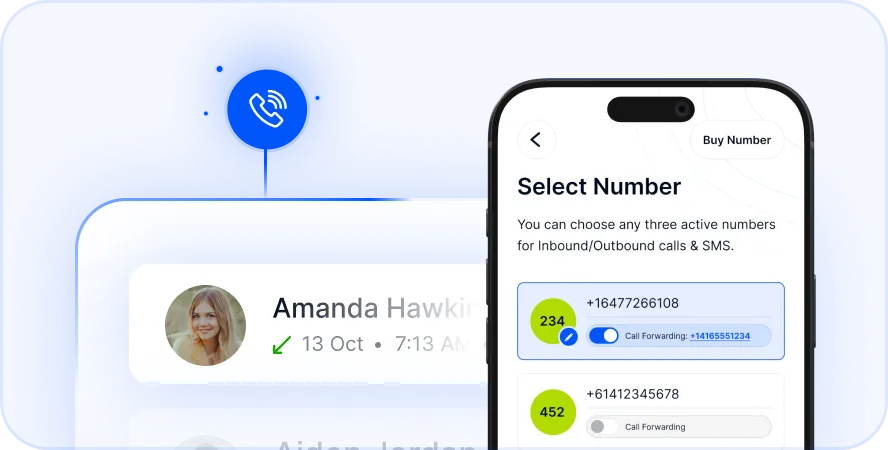
- Virtual Numbers Easily purchase a local Philippine number for yourself.
- Text Messages Send and receive SMS easily to Philippine mobiles.
- Voicemail to Text Read your voice messages conveniently on your screen.
These specific tools help individuals stay close to overseas families.
Telfon Features for Businesses
Many modern companies trust Telfon for their daily operations. It is absolutely perfect for remote teams and support centers. The dedicated business plans include all standard consumer features.
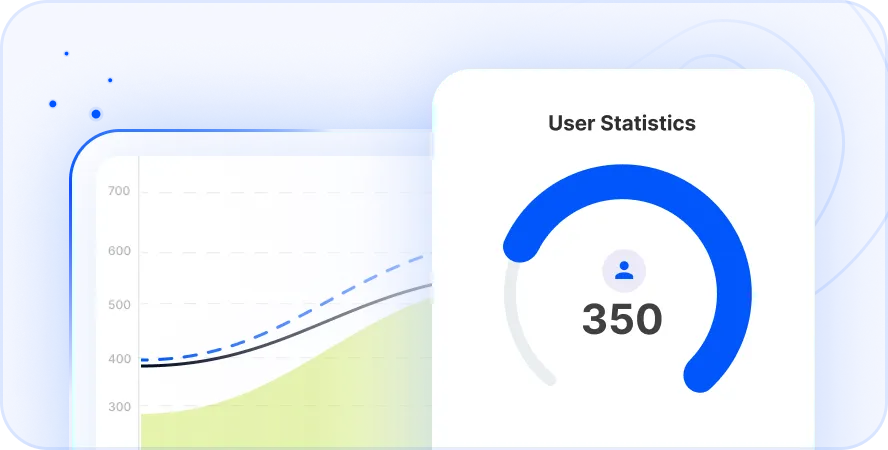
- User Analytics Track essential call data using detailed dashboard charts.
- Call Recording Monitor strict quality assurance for employee training programs.
- Bulk SMS Send targeted broadcast messages to massive client lists.
- Budget Control Assign specific financial spending limits to team members.
These advanced tools strongly empower sales and marketing experts. Real estate agencies and international hiring institutes benefit greatly too.
Advanced Business Management
Telfon provides extensive administrative control for serious business owners. You can easily manage multiple phone numbers simultaneously. The system includes robust user management and custom security alerts.
Moreover, you can track detailed call and SMS histories per user. The custom messaging service improves your professional brand image directly. You can even generate a smart call widget for your website.
Troubleshooting Connection Issues
Sometimes international calls do not connect despite your best efforts. This unexpected failure creates frustration during highly urgent situations. Here are highly effective fixes for frequent digital dialing problems.
Common Dialing Mistakes
Check your dialed digits very carefully. Did you properly dial the correct Australian exit code? Did you successfully include the mandatory Philippine area code? Ensure you correctly dropped the leading zero from local numbers.
Additionally, network restrictions can easily block your outgoing call. Some corporate employers strictly block international calls on office phones. You must contact your system administrator for professional help.
Network and Signal Quality
VoIP applications rely heavily on your exact internet speed. Ensure you have a 4G connection or strong Wi-Fi active. A remarkably weak internet signal causes terribly choppy audio. It also leads directly to abruptly dropped calls.
Therefore, move to a vastly better location if audio lags. You can also try restarting your mobile router entirely.
Why Australians Call the Philippines
The deep connection between our two distinct nations remains strong. There are many valid reasons to pick up the phone. Thousands of dedicated Filipinos live and work across Australia. They frequently call home to share news with aging parents. Maintaining these vital family bonds is truly essential.
Additionally, many modern Australian companies actively hire talented Philippine workers. They absolutely need reliable phone lines for daily stand-up meetings. Real estate teams utilize these communication lines very heavily. Clear daily communication is extremely vital for lasting business success.
Australians also genuinely love visiting beautiful Philippine beaches. You might call directly to book a luxury hotel room. Direct phone calls often resolve complex travel issues incredibly faster.
Actionable Steps to Save Money Today
You no longer need to pay exorbitant telecom fees. You can immediately take strict control of your communication expenses. Simply review your current monthly international calling bills today. Compare those high rates with modern digital VoIP alternatives.
Next, download a reliable cloud telephony solution for your smartphone. Practice dialing the correct country codes using the internet. You will instantly notice perfectly clear audio and lower bills. Stop overpaying for your basic international communication needs right now.
Stop overpaying for international calls Download Telfon Today
Frequently Asked Questions
What is the absolute cheapest way to call the Philippines?
Using a premium VoIP app like Telfon is definitely cheapest. It cleverly uses the internet instead of expensive physical phone lines. You quickly save up to 50 percent on overall call rates.
Do I dial zero directly before the mobile number?
No. You must definitely drop the leading zero of the local number. Dial plus 63 followed directly by the 9-digit mobile prefix.
What is the exact standard time difference?
The Philippines is generally 2 hours behind Australian Eastern Standard Time. If it is 10 AM in Sydney, it is 8 AM in Manila. During Daylight Saving, the gap naturally widens to 3 hours.
Can I get a true Philippine number in Australia?
Yes. Telfon specifically allows you to purchase a local virtual number. People in the Philippines call you at their local rates. You conveniently receive the call directly on your app in Australia.
How do I successfully call a Cebu landline?
Dial the exit code first. Next, strictly dial 63 for the country code. Then dial 32 for the specific Cebu area code. Finally, smoothly dial the local landline digits.
Is Telfon genuinely good for large business teams?
Yes. It provides deep analytics, call recording, and complex dashboard filters. It perfectly suits aggressive sales teams and busy customer support centers. You can easily manage financial budgets per individual user.
Does calling mobile numbers naturally cost more?
Traditionally, calling mobiles is significantly pricier than calling landlines. Old carriers constantly charge premium mobile termination rates. However, modern VoIP apps often offer low flat rates for both.